Antik Browser vs ixBrowser: Why ixBrowser Is the Better Alternative
I. Introduction
As the anti‑detect browser market matures, multi‑account operators are faced with an ever‑widening array of choices. Antik Browser, an anti‑detect browser developed by a well‑known traffic‑arbitrage team, has attracted attention since its launch in late 2023, thanks to its positioning as “built for arbitrageurs”. However, as users have put it to real‑world use, certain limitations have gradually come to light—while the authenticity of its fingerprint parameters is commendable, the browser falls short in areas such as team collaboration flexibility, automation capabilities, ease of use for beginners, and overall user‑friendliness.
At the same time, more and more users are looking for alternatives that offer a fuller feature set, better value for money, and greater suitability for long‑term operations. Among the many options, ixBrowser—with its strategy of “a fully functional free version and an even more powerful paid tier”, solid fingerprint‑isolation technology, and comprehensive team‑collaboration features—is becoming the new choice for a growing number of multi‑account operators. This article compares the two browsers from multiple angles—product positioning, core features, strengths, and weaknesses—to help readers make a more informed decision.
II. Antik Browser Overview and Drawbacks
Antik Browser is an anti‑detect browser developed by the NPPR TEAM and officially launched in late 2023. Its most distinctive feature is its approach to Canvas fingerprinting: instead of merely adding random noise—as most anti‑detect browsers do—Antik Browser simulates the rendering behaviour of specific graphics cards (e.g., NVIDIA GTX 1060), making fingerprints more closely resemble real devices. In addition, Antik Browser offers control over more than 40 fingerprint parameters, covering User‑Agent, screen resolution, timezone, WebGL, WebRTC, and more. On the team side, Antik Browser allows an unlimited number of team members to join, with users only paying for the fingerprints they use.
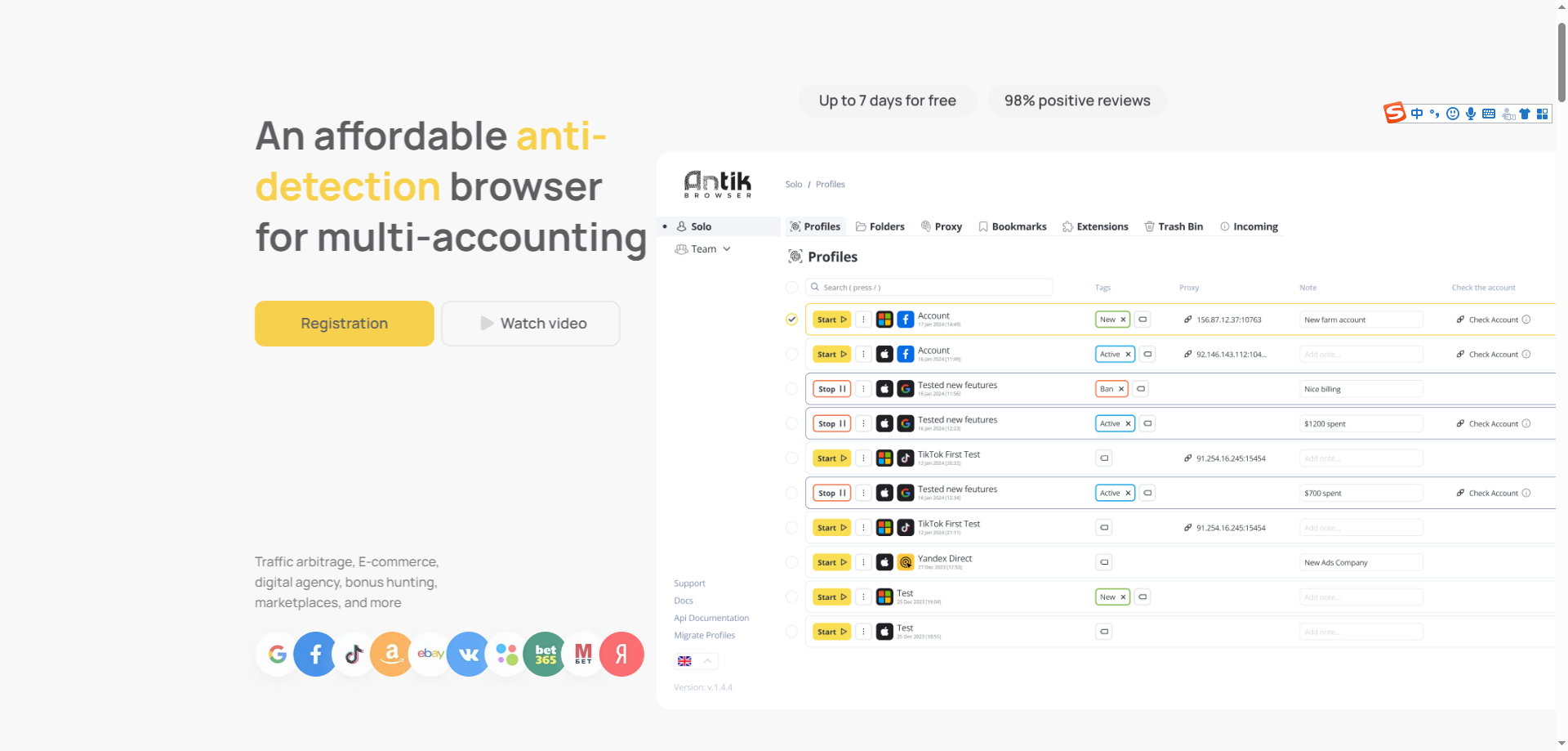
Nevertheless, Antik Browser has several notable shortcomings in day‑to‑day use:
-
Steep learning curve, not beginner‑friendly: Antik Browser is technically oriented, and its interface and workflows are not very welcoming to newcomers. If your team needs to onboard new members quickly (e.g., assistants, purchasers, operators), the high learning curve can significantly increase training time and costs.
-
Weak automation capabilities: Compared with some competitors, Antik Browser offers limited support for AI‑driven automation and no‑code workflows. For teams that need batch operations or repetitive task automation, this is a clear drag on operational efficiency.
-
Basic team‑collaboration features: Although Antik Browser supports team mode and unlimited members, its shared operations, granular permission controls, and collaborative workflows are rather rudimentary. For teams that need to manage a large number of accounts with multiple people, the depth and flexibility of its collaboration features are insufficient.
-
Unfriendly pricing: The Lite plan for Antik Browser starts at around $20/month (for 30 profiles), which is a relatively high entry cost. For small teams on a tight budget or individual users just starting out, this price point is not low.
-
System compatibility issues: Some users have reported that Antik Browser has certain system requirements and does not run smoothly on all computers.
III. ixBrowser Overview and Advantages
ixBrowser is an anti‑detect browser built on a self‑developed Chromium kernel, focusing on multi‑account management. Its core philosophy is “a free version that is sufficient for most needs, and a paid version that is even more powerful” — the free version already meets the anti‑association needs of over 95% of users, with fingerprint technology identical to that of the paid version, with no compromise. ixBrowser creates an independent browser profile for each account, achieving dual isolation of IP and fingerprint through fingerprint‑isolation technology. The product is derived from a mature internal version, with low R&D and maintenance costs, which allows it to offer a permanent free tier to the vast majority of users. On platforms such as Trustpilot, ixBrowser has received high ratings of 4.2–4.4/5, with users praising its powerful fingerprinting and clean profile isolation.
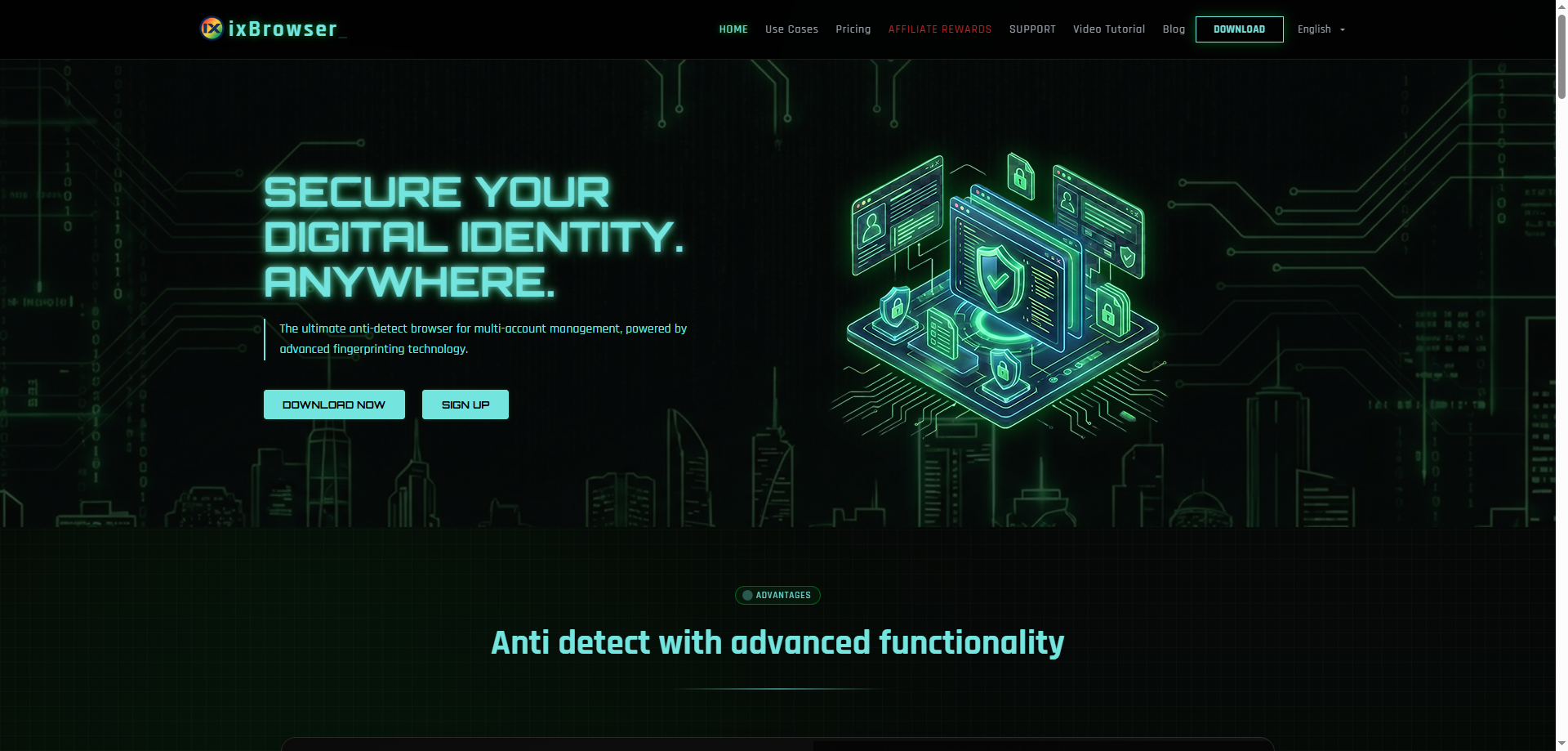
Compared with Antik Browser, ixBrowser offers the following notable advantages:
-
A genuinely free plan with zero entry barrier: ixBrowser’s free version satisfies the anti‑association needs of the vast majority of users, and its fingerprint technology is identical to that of the paid version. Users can experience the full core functionality without paying, starting for free and upgrading as needed. In contrast, Antik Browser offers only a 7‑day free trial before requiring payment.
-
Solid fingerprint security and isolation technology: ixBrowser is optimised specifically for digital fingerprints, achieving high pass rates on third‑party fingerprint‑detection tools, ensuring that each account has a secure and independent fingerprint environment. Its fingerprint‑isolation technology effectively prevents platforms from linking different accounts via identical fingerprints. On third‑party testing sites such as Pixelscan and IPHey, ixBrowser’s fingerprint environment consistently achieves high pass rates.
-
Comprehensive team‑collaboration system: ixBrowser supports multi‑role collaborative operations, allowing team administrators to freely set member permissions and assign profiles, as well as share profiles and proxies. This fine‑grained permission management system enables more efficient and orderly team collaboration.
-
Rich feature set and batch‑operation capabilities: ixBrowser allows customisation of every digital fingerprint parameter; browser profile data is securely stored on cloud servers; it supports all extensions from the Chrome Web Store; and cookies can be easily imported and exported. In addition, ixBrowser supports batch creation, export, copying, editing, and opening of thousands of profiles, greatly improving operational efficiency.
-
Continuous updates and technical investment: ixBrowser maintains a high update frequency, its kernel upgraded to version 148. This constant iteration ensures product security and stability.
-
Strong user reputation: ixBrowser has earned high scores of 4.2–4.4/5 on Trustpilot, with users praising its powerful fingerprinting, clean profile isolation, and some even calling it the “best anti‑detect browser”.
IV. Conclusion
Taken together, Antik Browser and ixBrowser represent two different product philosophies. Antik Browser, developed by a traffic‑arbitrage team, has unique strengths in Canvas fingerprint authenticity, making it particularly suitable for technically savvy users who have extremely high demands on fingerprint details. However, its steep learning curve, limited automation, basic team‑collaboration features, and relatively high pricing make it seem somewhat “elitist” when facing a broader user base.
ixBrowser, on the other hand, has taken a distinctly different path—lowering the trial barrier with a free strategy, ensuring core security with solid fingerprint‑isolation technology, and meeting professional needs with comprehensive team‑collaboration and batch‑operation features. Rather than using flashy concepts to attract users, ixBrowser wins its reputation through “free but reliable” real‑world performance. The 4.2–4.4/5 rating on Trustpilot shows that this approach has resonated with users.
For multi‑account operators who are on a tight budget, need quick onboarding, and value team collaboration and batch‑operation efficiency, ixBrowser is undoubtedly a more attractive choice than Antik Browser. Of course, the final choice of tool always depends on specific business scenarios and personal preferences—if you prioritise extreme fingerprint authenticity and do not mind higher learning costs and paid entry, Antik Browser is still worth considering; but if you want the most comprehensive feature experience at the lowest cost, ixBrowser is the more pragmatic option.